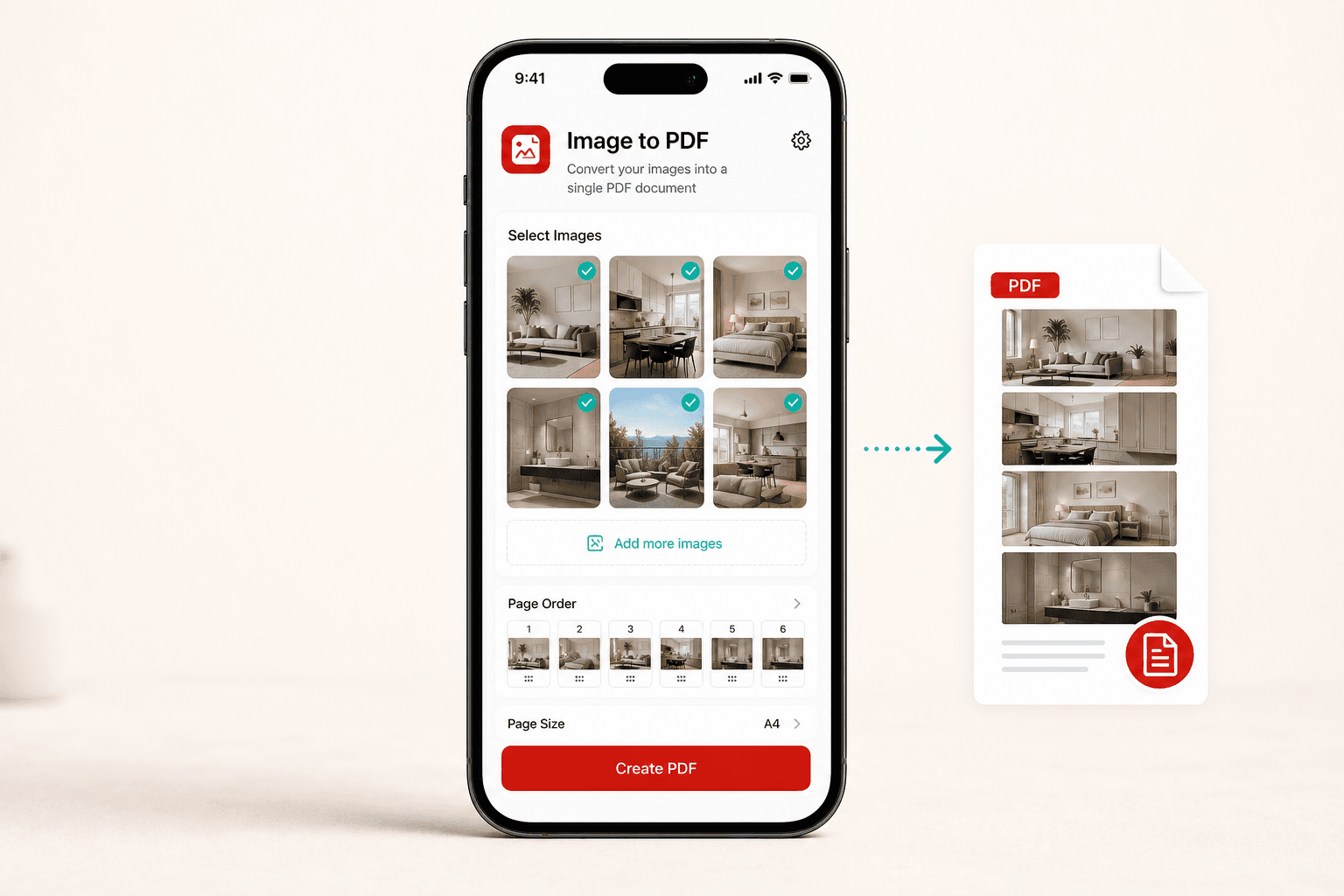
images to PDF
Free with ads
Image to PDF
Image to PDF helps users combine photos into organized PDF documents that are easy to save, print, upload, or share.
Photos stay user-selected
Multi-page PDF export
No account required
Convert photos, scans, and Word documents into shareable PDFs from your phone with simple apps built around one clear task at a time.
Each app is made for a specific document job, so you can get in, finish the task, and move on.
Image to PDF helps users combine photos into organized PDF documents that are easy to save, print, upload, or share.
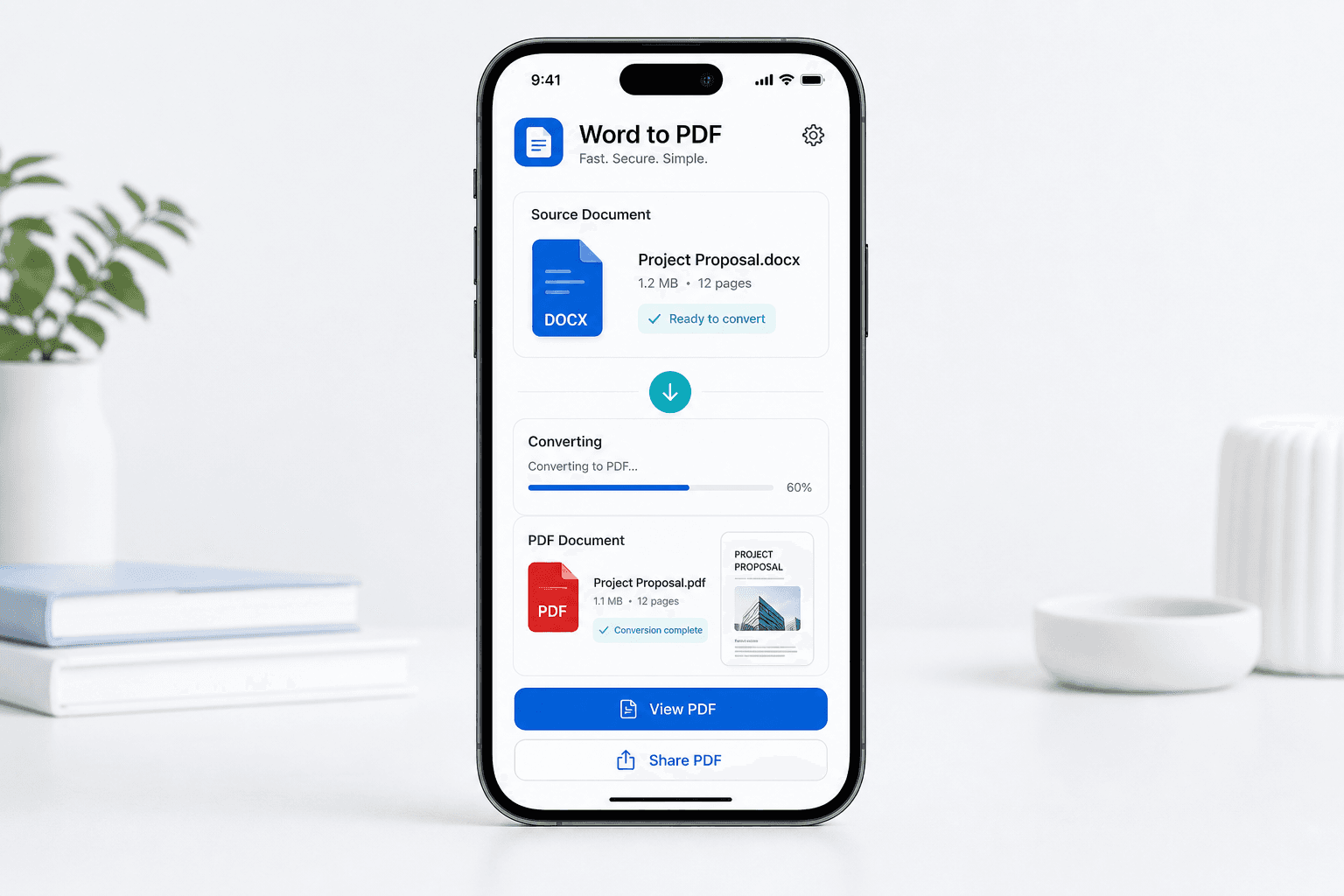
Word to PDF helps users convert Word documents into polished PDF files that are easier to send, upload, print, or archive.
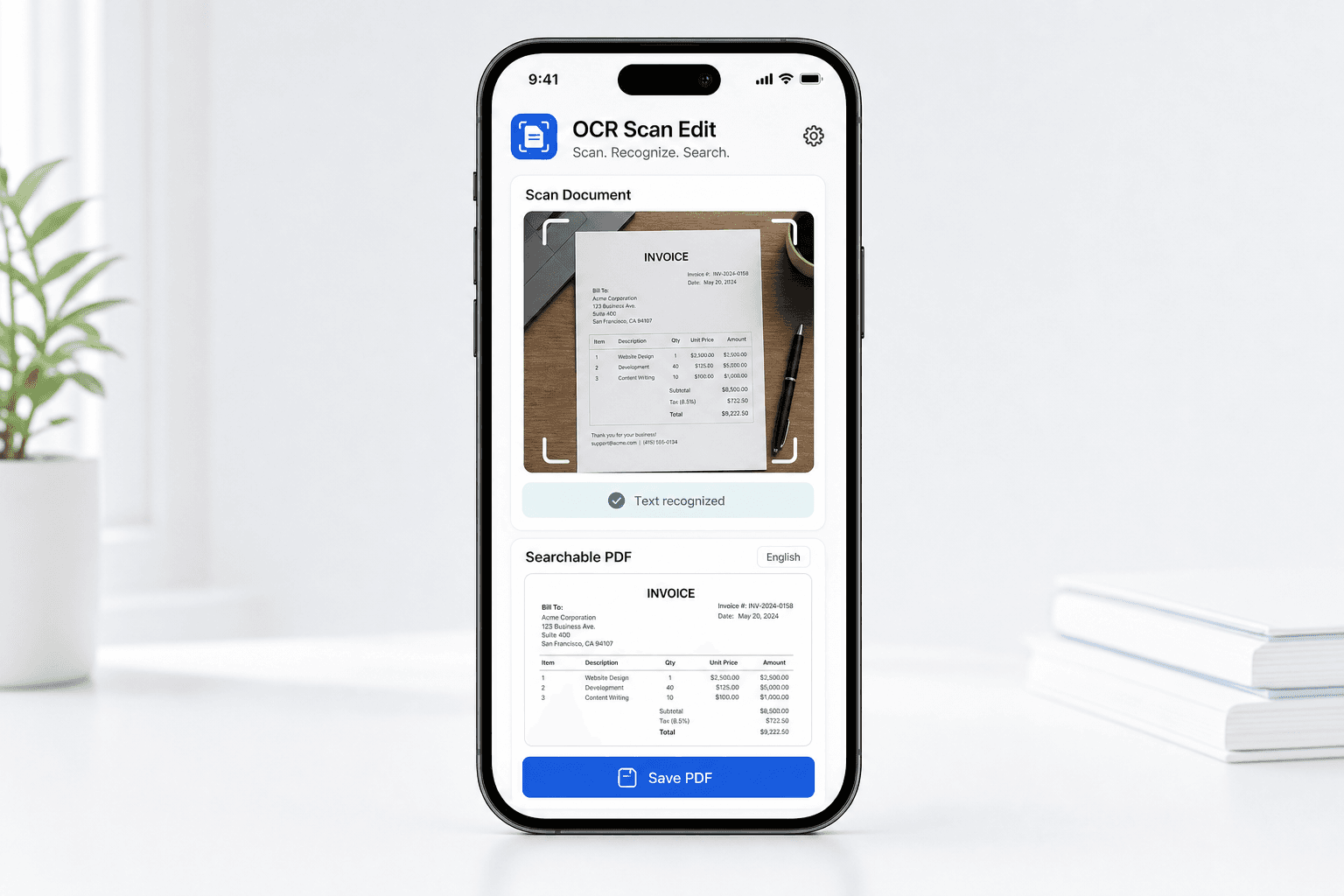
OCR Scan Edit helps turn scanned paperwork, document photos, and supported files into searchable PDF documents that are easier to review and find later.
Choose the app for your file type, create the PDF, then save or share the result from your phone.
Use Image to PDF for photos and scans, or Word to PDF for DOCX documents.
Follow a focused mobile flow built around the task you opened the app to finish.
Send the finished PDF to Files, email, uploads, printing, or another app.
These pages are designed to make the basics easy to check before you download an app.
The apps are built around files you select for the conversion task.
Google Play and App Store links are shown clearly for each app.
Privacy, terms, FAQ, and contact pages are available for every app.